





































![1+1 FREE | FineSlice™ - Cuts What Scissors Can’t [Offer Ends Today]](http://quanolo.co.uk/cdn/shop/files/d210079baefb8baec1578f1fec4170f982c0ff80d45b958c27cedc5cde9018c7-500.gif?crop=center&height=475&v=1745786035&width=475)












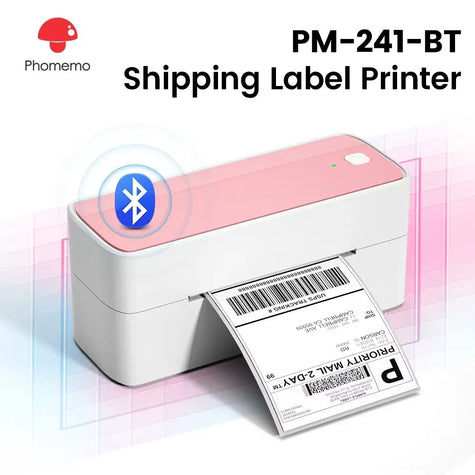
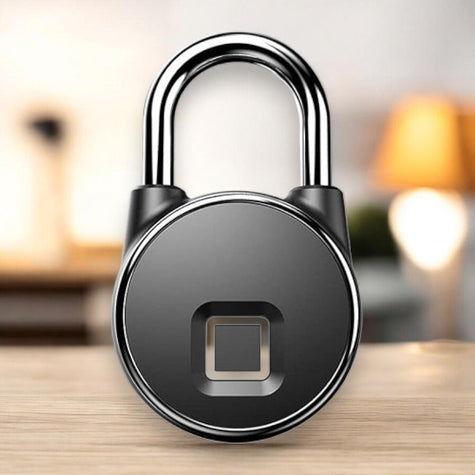

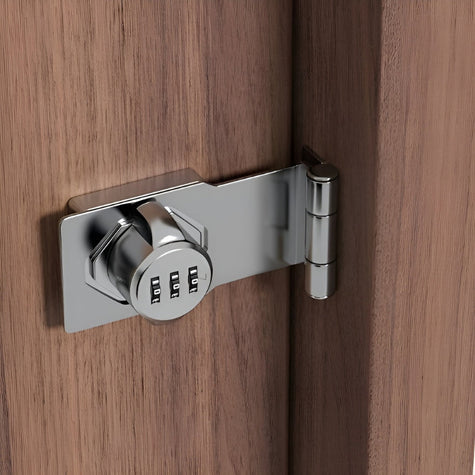
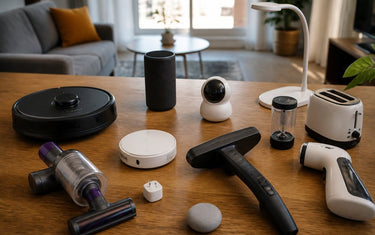
Table of Contents
- Quick Comparison: Top Simple Home Gadgets
- Smart Home Productivity Tools That Save You Time
- Best Desk Accessories for Home Office Efficiency
- Time-Saving Kitchen Gadgets for Professionals
- Cable Management and Charging Solutions for a Tidy Workspace
- How to Choose Simple Home Gadgets That Actually Get Used
- Budget vs Premium: Getting the Best ROI from Your Gadgets
- Frequently Asked Questions
Last Updated: September 13, 2026
Quick Comparison: Top Simple Home Gadgets
The best simple home gadgets for busy professionals solve one recurring annoyance without adding a setup project to your week. That is the entire test, and most gadgets fail it. A 2026 survey by the Office for National Statistics on time use found that adults in employment spend a large share of their waking hours on domestic tasks, which explains why the market keeps flooding with shortcuts. This guide from Quanolo cuts through that noise and covers only the tools that earn their place on a desk, in a kitchen drawer, or by the front door.
Below, we'll show you which gadgets fit a tight schedule, what each one costs, and where the cheap option beats the expensive one.
| Gadget |
|---|
| VoltMend™ Magnetic Charging Cable |
| EasyHome™ Motion Detector LED Lighting |
| Lumify™️ Motion Sensored LED Lights |
| LockGuard™ Smart Lock |
| PhoneLock™ Magnetic Phone Holder |
| SecureEase™ Fingerprint Padlock |
| AllHammer™ Multi-Tool Hammer |
| ToolNest™ 31-in-1 Screwdriver Kit |
| Bluetooth Label Printer |
| ProCraft™ Electric Screwdriver Set |
Smart Home Productivity Tools That Save You Time
Time savings from smart home productivity tools come from removing small repeated actions, not dramatic automation.

Two gadgets do most of that work in a typical flat. Motion-sensor lighting removes the fumble for a switch when your hands are full, and a keyless lock removes the pocket pat-down at the door. Neither needs a hub, an app subscription, or an electrician. The EasyHome™ Motion Detector LED Lighting at £24.95 clips on with adhesive magnetic strips and senses motion within about 3 metres at a 120-degree angle.
A common mistake is buying a smart device that needs a bridge or a cloud account before it does anything useful. If setup takes longer than the task it replaces, skip it.
Best Desk Accessories for Home Office Efficiency
The best desk accessories for home office efficiency stay plugged in and never need thinking about: a self-coiling charging cable, a monitor arm that clears desk space, and a hub that turns one laptop port into everything you need.
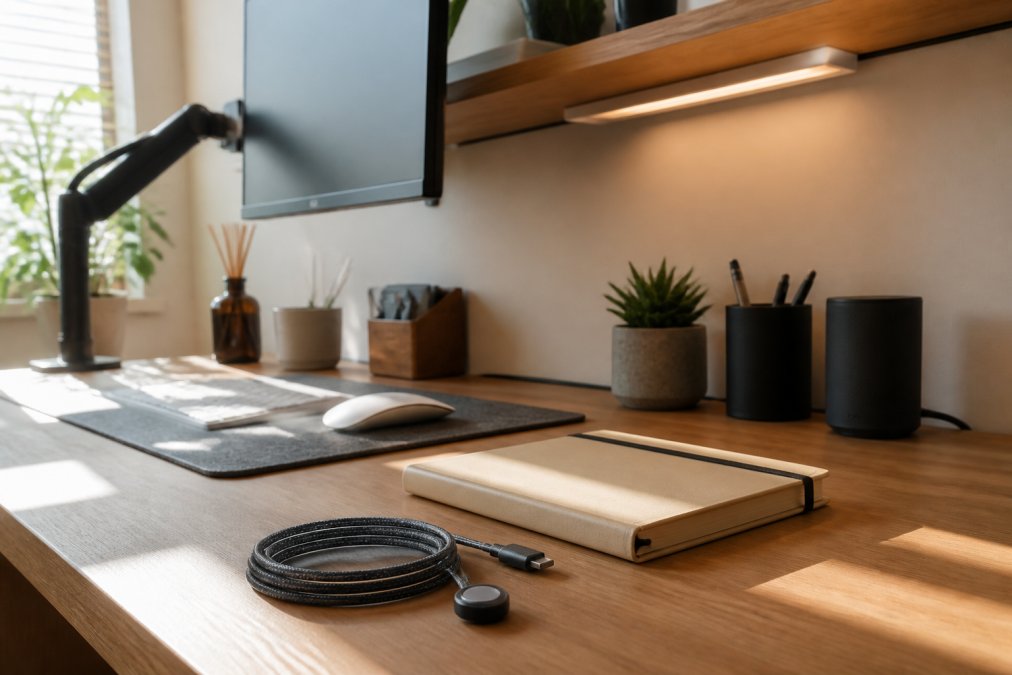
Start with the cable. The VoltMend™ Magnetic Charging Cable is a 1.8-metre cable with a magnetic self-coiling design and interchangeable tips for iOS, Android, and Type-C devices. At £24.00 it is built for charging first rather than fast data transfer, a trade worth making for a desk with three devices and one free socket.
Add a PhoneLock™ Magnetic Phone Holder at £29.99 if you take calls at the desk. It is sold as a car mount, but the zinc alloy build and 360-degree rotation work just as well clamped to a shelf edge for hands-free calls.

A gas-spring monitor arm clears the desk surface, lets you swing the screen aside for video calls, and typically costs £40 to £90. Check the VESA pattern on the back of your monitor (75x75mm and 100x100mm are common) and the weight rating; a monitor panel usually needs at least 6kg.
The one-port problem, and how a hub solves it
Most slim laptops ship with two or three ports, which is fine until you want an external monitor, a wired keyboard, and a charger at once. A USB-C docking hub turns one port into six or seven. Look for at least 60W of power delivery, and check that the HDMI output supports 4K at 60Hz rather than 30Hz.
What to skip
Desk gadgets that need their own app, account, or firmware update cycle rarely survive the first busy month. If a desk accessory cannot be used within five minutes of unboxing, it belongs in the drawer.
For the hybrid worker
If you split your week between a home desk and an office desk, buy accessories that travel. A folding laptop stand, a compact 65W gallium nitride (GaN) charger, and a short coiled cable fit in a single pouch and rebuild your setup in under a minute at either end.
Time-Saving Kitchen Gadgets for Professionals
Time-saving kitchen gadgets for professionals earn their keep when they remove a step you repeat daily. Cabinet lighting is the clearest example: you cook in the same three spots every evening, and a sensor light means you stop opening a cupboard door to see inside it.
The Lumify™️ Motion Sensored LED Lights at £25.99 attach without drilling or wiring. You can set the colour temperature to 3000K, 4000K, or 6000K and hold to dim the brightness. Cool white suits chopping and cleaning; warm white suits a kitchen you also eat in.
Where the category disappoints is anything that needs assembling before each use. A gadget you have to unpack, plug in, and wash afterwards is not a time saver, it is a chore with extra steps.
Cable Management and Charging Solutions for a Tidy Workspace
Cable management works when you reduce the number of cables, not when you hide the ones you have. One self-coiling cable that covers three connector types replaces the drawer full of spares. The other half is deciding where power lives and how the remaining cables are routed so they never cross a walkway.
The four pieces of hardware that actually do the work
Most tidy desks rely on the same small set of components:
- Under-desk cable tray. A shallow tray screwed or clamped beneath the desk holds the power strip, laptop charger, and hub off the floor. Expect £15 to £30 for a metal tray that fits a standard 6-way strip.
- Adhesive cable clips. Small clips every 20cm along the back edge keep cables from sagging into view. A pack of 20 costs under £10 and is the single cheapest improvement you can make.
- Braided sleeve or spiral wrap. For the run from desk to wall, a 2-metre sleeve bundles three or four cables into one line. Buy one with a zip opening rather than a closed tube, so you can add or remove a cable without rethreading everything.
- Velcro ties, not zip ties. Zip ties are permanent and you will cut them within a month. Reusable Velcro ties cost pennies each and let you adjust the bundle as your setup changes.
Charging everything from one point
Charging everything at one point on the desk, rather than three points around the room, keeps cables from crossing walkways and under chairs.
A 65W to 100W multi-port USB-C charger with two or three ports charges a laptop, phone, and headphones simultaneously, replacing three separate bricks (usb.org). Check the per-port wattage rather than the total: a charger advertised as 100W often splits that across ports, so a laptop may only receive 45W when everything is plugged in. For a laptop plus a USB-C monitor, aim for 100W.
The label printer, and why it belongs here
The Bluetooth Thermal Shipping Label Printer at £64.95 is worth flagging for a different reason. If you sell anything online, it replaces the printer queue entirely: 4x6 labels, no ink or toner, and wireless printing from a phone, tablet, or computer.
Making the gadgets work together
A motion-sensor light, a keyless lock, and a single charging point do not need a smart home hub to cooperate; they simply remove three separate frictions from the same morning. The test for any new cable or charging purchase is whether it reduces what you have to think about before you start work.
How to Choose Simple Home Gadgets That Actually Get Used
The gadgets that get used share three traits: they solve a problem you hit weekly, they need no setup before each use, and they cost little enough that you do not feel obliged to love them.
Ask what the gadget replaces. If the answer is "nothing specific", it will end up in a drawer. If it is "the ten seconds I spend untangling a cable every morning", it earns its place.
- Does it work without an app, hub, or subscription?
- Can you use it within five minutes of unboxing?
- Does it replace a task you do at least weekly?
- Does it fit the space you actually have?
- Is the price low enough that a bad fit is not a real loss?
If a product fails two or more of those checks, leave it. The best simple home gadgets for busy professionals are boring, and that is the point.
Budget vs Premium: Getting the Best ROI from Your Gadgets
Budget beats premium more often than the marketing suggests. The £24.95 motion light does the same job as a wired under-cabinet fitting that needs an electrician, and the £24.00 magnetic cable solves the same tangle as a premium braided alternative at three times the price.
Premium earns its money in one specific case: when you use the tool often enough that build quality changes the experience. The ProCraft™ Multifunctional Electric Screwdriver Set at £89.99 is the clearest example. It has a spindle-locking feature so it works as a manual screwdriver when the battery is flat, and it shuts off automatically after ten minutes of inactivity. For someone assembling furniture monthly, that is overkill. For someone who does it weekly, the motor pays for itself in saved wrist ache.
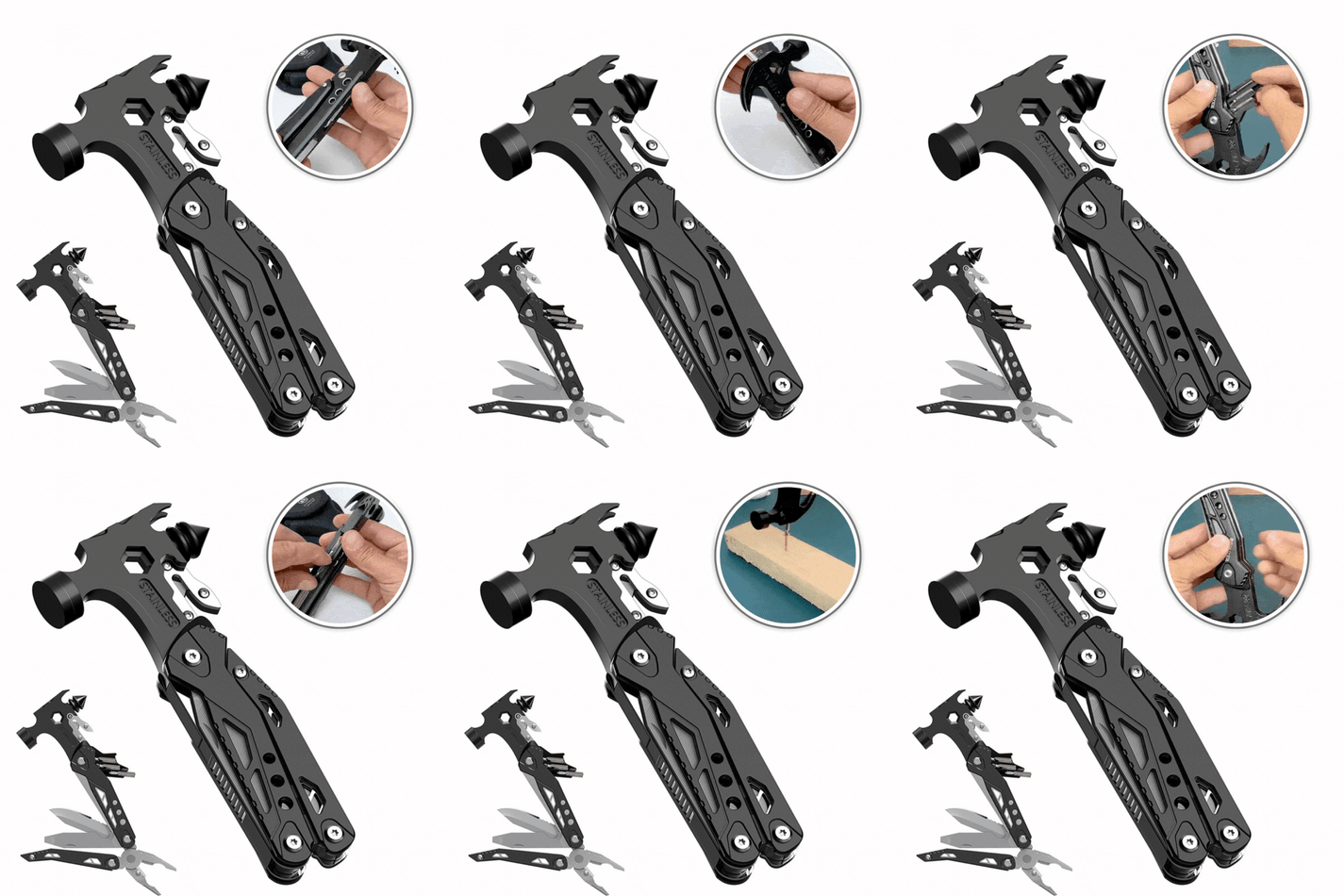
The same logic applies to repair tools. The AllHammer™ Multi-Tool Hammer at £44.95 packs sixteen functions into one 380g tool, suiting a renter with nowhere to store a full toolbox. The ToolNest™ 31-in-1 Precision Screwdriver Kit at £54.00 goes the other way: 28 bits, a magnetised tip, and an extended bit for recessed screws, built for electronics rather than walls.
Frequently Asked Questions
What are the must-have home gadgets for working from home?
For a productive home office, focus on tools that reduce friction. A magnetic charging cable like the VoltMend™ (£24) stops cable tangles. Motion-sensor LED lights from EasyHome™ (£24.95) brighten dark corners without wiring. A Bluetooth label printer (£64.95) keeps paperwork organised. These simple home gadgets address daily annoyances without adding clutter.
How can smart home devices help busy professionals save time?
Smart home productivity tools automate small, repetitive tasks. Motion-sensor lights turn on automatically when you enter a room, so you never fumble for a switch. A fingerprint padlock (£39) removes the need to hunt for keys. These small time savings add up, giving you more focus for work and relaxation.
How do I choose simple home gadgets that don't add to my clutter?
Prioritise multi-functional items that replace several single-purpose tools. The AllHammer™ 16-in-1 multi-tool (£44.95) combines a hammer, pliers, and screwdrivers in one compact device. Look for gadgets that solve a specific, recurring problem you face weekly. If a gadget doesn't save time or space, skip it.
Are smart home appliances worth the investment for busy households?
They can be, if they target real pain points. A smart lock like LockGuard™ (£29.99) lets you grant access without physical keys, useful for cleaners or deliveries. Motion-sensor cabinet lighting (£25.99) improves kitchen safety and convenience. The return on investment comes from time saved and reduced stress, not from the technology itself.